



- Русский
- English
How to Create an AI Agent Using OpenClaw — A Step-by-Step Guide

You could say that automation is a thing now (thanks to the rise of AI agents). With platforms like OpenClaw, you can create virtual assistants without any need for programming knowledge or tons of red tape, all using readily available CLAUDE language models. Unlike regular AI bots, OpenClaw's platform has been developed to offer more than just information retrieval — it also allows agents to use real-world tools to complete multiple tasks. Over the past few years our team at ASCN.AI has tested many similar solutions and believe that what makes OpenClaw stand out is the vast number of ways you can configure your agent's skills & memory.
"We created our first agent on OpenClaw that can process questions related to cryptocurrency projects, and we went from over four hours to an eight-minute response rate. This doesn't mean he is typing faster — it means that he doesn't have distractions like humans do, nor does he have to rest after answering a question."
Another big advantage of OpenClaw is that agents have a long memory or context — they are able to 'remember' past interactions, they can 'remember' projects and they are able to learn new things and improve upon their initial capabilities through the use of the Superpowers functionality. The Superpowers don't just give agents the ability to answer generic questions better than others — they also provide agents with the ability to analyse situations and apply rules to make informed decisions.
I will guide you through creating an OpenClaw agent from zero starting from what you need to know up front about how it will work; and I will provide you with tips on how to avoid wasting any part of your budget on non-essential items.
OpenClaw: Introduction to AI Agents
An AI agent is a computer program that operates independently, without requiring constant checks on the quality of its work and the way it completes its tasks. While a typical chatbot may provide responses to questions, an AI Agent goes even further by planning out how to achieve a goal with multiple steps. For example, in the case of a help Desk Manager, when they get a client request, they will check their knowledge base, pull information from the CRM, prepare a response, and if required, elevate the issue to another specialist. An AI Agent would do all of this in real-time, with no interruptions.
A true AI Agent possesses these primary characteristics:
- Autonomy but within certain guidelines.
- Ability to utilize external services and application programming interfaces (APIs).
- Long-term memory to maintain the context of ongoing conversation(s).
- Ability to learn from experiences (feedback), as well as to be adaptive to changing external situations.
Unlike current rigidly programmed bots (such as those provided by Microsoft), which will go through a set of tasks in a predetermined order, an AI Agent will evaluate the "best option" for resolving an issue based on the environment from which it is working. According to McKinsey Digital 2024, deploying AI Agents to support clients through first-level operators can reduce those operator's workloads by up to 70% and decrease the average time to process standard requests by five times. AI Agent will excel when working with repetitive, structured tasks where speed and accuracy are critical.
At ASCN.AI, we utilize OpenClaw for the analysis of Digital currencies. When a user requests information about a specific token, the AI Agent pulls relevant information from the relevant blockchain nodes, compiles information from recent news articles and current whale activity, analyses the data then produces a structured report within an average of 10-15 seconds. In comparison, it would take a person at least 20 minutes to complete the same process. Therefore, there is a substantial amount of time saved when using an AI Agent.
The traditional barrier to creating AI agents has been replaced with OpenClaw. You can build a working AI agent in just 30 minutes with the help of a graphical user interface (GUI) and pre-made templates. This means that any startup or small business that does not have an in-house development team can create their own AI agent quickly and easily.
Some of the main features of OpenClaw are:
- Integrated use of the Claude models (3.5 Sonnet, 3 Opus) without the hassle of complex API setup.
- Memory management to maintain context between sessions.
- A modular architecture called "Superpowers" that allows you to add new skills to your AI agent.
- Use of voice interfaces.
- Open-source code for easy customization and control of your AI agents.
With OpenClaw, your AI agent can be deployed on your own infrastructure, in contrast to proprietary commercial services that use closed algorithms. This is especially useful for companies in regulated industries (such as finance, healthcare, and telecommunications). You will have complete control over your AI agent's log files, will be able to optimize your agent's prompts, and can ensure that your AI agent adheres to industry security standards.
A case in point is that during the Falcon Finance flash crash on October 11, an OpenClaw AI agent was able to detect an anomaly in the data and alert traders via Telegram. This agent allowed traders to close their positions 4 to 7 minutes before the crash, whereas it would have taken traders 15 to 20 minutes to close their position manually. In a market that is 40% volatile in one hour, that is a very short window of time.
The OpenClaw Platform Architecture
The OpenClaw platform is based on a modular design. The core of the platform handles incoming requests and manages context across multiple sessions, and the Superpowers are the skills that allow you to connect your AI agent to external APIs, parse external data sources, and communicate with instant messaging networks, databases, and calculators. The voice interface allows for voice-to-text and text-to-voice capabilities.
Memory Management is a Key Component
OpenClaw has an impressive memory management system with three different levels: memory for short-term (ongoing dialogue), medium-term (session-based history) and long-term (permanent storage). This means that when a user interacts with an agent, the agent has "memory" regarding the previous conversation, so the agent does not need to ask for the same information again.
Superpowers Enhance the Base Functionality
The base functionality can be further enhanced by what we call "Superpowers" by integrating with other platforms (e.g., SQL database, REST API, CSV/PDF processing, Financial Analytics, and Social Media Management). Each of these can be configured independently.
Voice Interface
The functionality of OpenClaw's voice interface relies on the Speech Recognition engine (i.e., OpenAI's Whisper, Google Speech-To-Text, etc.) and Speech Synthesis engine. This is especially important for phone support or hands-free environments. The average amount of time it takes to generate a voice response is between 1.5 and 3 seconds, depending on server performance and model type.
Internal Access to The Processed Data
Other builders such as Voiceflow and Botpress restrict developers from accessing the internal information processed by the agent (i.e., tokens). OpenClaw allows developers to see all processed tokens and optimize their prompts accordingly. Developers also save money on the use of APIs because they can now manage tokens with more precision and eliminate unnecessary context. At ASCN.AI, we have saved over 35% on token usage while maintaining the same level of quality with precise instructions and removal of repetitive context.
Technical Requirements and Environment Preparation
Hardware/Software
To run OpenClaw locally, a minimum requirement for hardware and software is:
- A Processor with at least 4 Cores (8+ Cores Recommended for Multiple Agents)
- Minimum of 8 GB of RAM (16 GB Recommended for Stability)
- 20 GB of Disk Space for All Dependencies and Logs
- A Stable, High-Speed Internet Connection with Low Latency
The minimum requirement for testing is a mid-range Cloud Virtual Machine (Digital Ocean Droplet). In production, the optimal Operating System is either Ubuntu 22.04 LTS or Debian 11. There are limitations to the macOS voice module, but it is supported on the Windows operating system using WSL2. There are trade-offs in terms of performance when using WSL2 on Windows. You need to have the following installed: Docker (optional), Node.js v18 or greater, Python v3.10 or greater, and Git (if you haven't already done so). With a good internet connection, it can take just a few minutes to install everything needed to get started. Our experience using ASCN.AI is that a mid-sized server can handle up to 50 requests simultaneously to Claude 3.5 Sonnet without exhibiting significant latencies.
Platform Consideration
When selecting a hosting platform, you'll want to consider the reliability and stability of your connection to API providers, how scalable the hosting platform is, and how to secure the confidentiality of sensitive customer data.
- AWS: Amazon Web Services is a powerful platform, though it is best suited to large-scale projects, and requires some level of technical expertise to manage, as well as proactive management of its billing process.
- Digital Ocean: Digital Ocean is a cost-effective and easy-to-use provider suited for small to mid-sized businesses with limited technical resources.
- Hetzner: Hetzner is a European-based provider that provides an excellent balance of price versus performance which makes it an ideal choice for customers who have the need for GDPR compliance.
- Local Server: For companies in the finance and related industries, establishing a local server offers complete control of your server environment, but requires the appropriate level of technical skill from a DevOps team to set up.
We recommend starting with a mid-level cloud VM with monitoring in place for both CPU and RAM usage. You should then scale your server once you are exceeding 70% of the stable load.
Overview of API Providers and Claude Models
OpenClaw works with Anthropic Claude models out of the box. However, other models may be used; OpenClaw is a universal interface.
- Claude 3.5 Sonnet — The best combination of speed and quality, with response times typically of 1 to 2 seconds, and a token count of 200,000, and is suitable for analytics and customer support applications.
- Claude 3 Opus — More sophisticated than the Claude 3.5 Sonnet, the Opus model has considerably more complexity, and is correspondingly more expensive than the Sonnet model. This model is recommended for high-risk environments where you are requesting legal or medical advice.
- Claude 3 Haiku — A light and agile model for routing and simple applications.
Using a combination of Haiku and Sonnet can save you up to 60% on API usage costs. You can also use the free OpenAI GPT-4 Turbo, Google Gemini Pro, or local hosted models such as Ollama and LLaMA 3 that require supercomputers or computer systems with a lot of processing power.
How to Create an AI Agent in OpenClaw, Step-By-Step
Step 1 — Install & Configure OpenClaw
To begin, clone this repository using Git and enter it into your local Git workspace. After cloning the repository, create and activate a Python virtual environment on Linux/macOS with the use of the 'source' command, and on Windows, using the activation script located inside the virtual environment's folder. You will then install the project's dependencies using the requirements listed in the requirements.txt file.
In the next step, you need to create a configuration file named '.env' and populate it with your API keys. This includes your Anthropic API key, model name and parameters including the temperature. With this done, you will now launch your agent in console mode. If you prefer your agent to run in the background, it's recommended that you set up a systemd service in Linux to allow for automatic startup and recovery from potential crashes.
Step 2 — Create a Basic Agent
To create a basic agent, you'll need to import the Anthropic client and the environment variables. Then, initialize the client with your API key. The agent now requires a "System Prompt" — this is the basic instructions that define the personality of the agent. As an example, you might want your agent to act as a technical support agent, with the ability to respond with professionalism and honesty — to acknowledge that it doesn't have an answer.
After defining the system prompt, you will create a function that will be responsible for handling the incoming user messages. When a user sends a message to your AI agent, that message will be passed to the Claude API along with your system prompt and the user's message. Finally, a simple loop will run to receive user input lines from the console until the command is given to end the interaction.
Release and Validation of Product
Generate a set of 10-to-15 question-answer pairs. Include standard "What is (x)?" questions, ambiguous "What do you think about (x)?" questions, and "How would I know?" questions that require the assistance of a subject-matter expert. Assess the relevance of all responses provided by the agent, along with an evaluation of the tone of the responses. To evaluate the maximum number of simultaneous requests that can be processed, test the agent's load capacity while using a series of requests to simulate real-time, asynchronous use of the agent. Simultaneously monitor both the total elapsed time to receive a response and any error messages related to the memory and/or token-based limits at the time each request was processed.
Debugging is necessary to achieve a stable agent. During the testing, review how well the agent responds when a third-party service (API) is down, an invalid token is used, and/or the agent does not understand a user's question (e.g., "hallucination"). At ASCN.AI, we increased the percentage of instances in which an incorrect response ("I don't know") was provided from 40% to 95% by providing the agent with one simple instruction: "If you do not have the requested information, say so."
Advanced Features and Modification of the Agent
Agents with Defined Roles
When creating customized agents, you can define the agent's role clearly. For example, you could instruct a cryptocurrency analyst agent to analyze tokenomics and the market, but to never provide financial advice. The prompts provided to customize agents for different types of users — novices versus experienced users — can vary based on the formality, clarity, and length of the response. Use Retrieval-Augmented Generation (RAG) tools to obtain the most current data and prevent your primary prompt from being overloaded while using a vector database.
Superpowered Skills and the Ability to Extend Your Agent's Capabilities
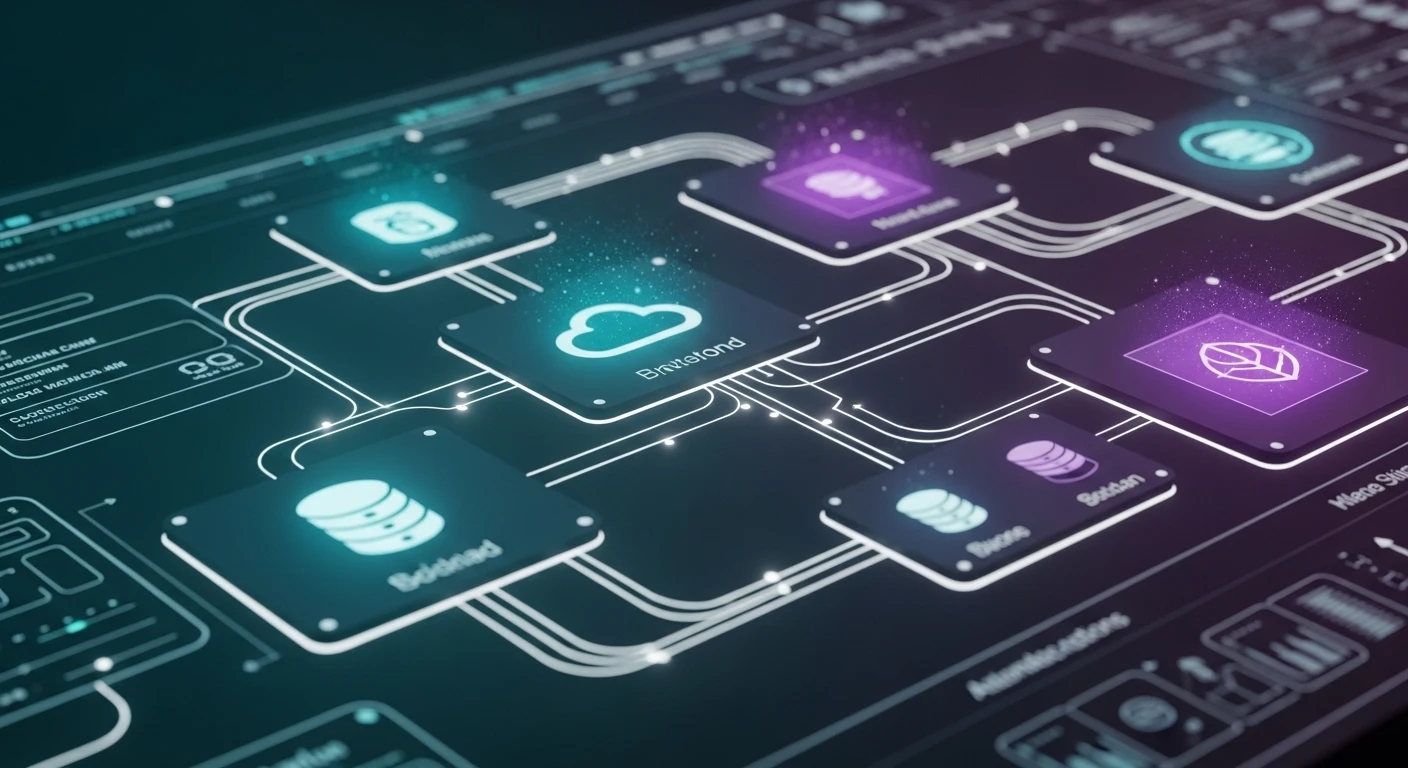
Superpowers serve as plugins to augment the agent's functionality. Some examples of superpowers are:
- Access to SQL databases and external APIs.
- Parsing multiple file types (CSV/PDF/etc.).
- Performing financial calculations and analyses.
- Communicating via social media and messaging platforms.
The agent independently determines which skills it will use and can combine them for more complex tasks. For example, you can create a skill that retrieves live cryptocurrency information from a public API.
At ASCN.AI, we added skills related to on-chain metrics and whale's movements, which reduced a 40-minute manual job to a 15-second automated report.
Voice Assistant Integration
Using voice interfaces further increase OpenClaw's application areas. The voice interface is made up of a three-stage workflow: speech-to-text (STT), process the data sent to the agent, and text-to-speech (TTS). The evidence shows voice assistants can typically resolve about 65% of technical support inquiries. A great deal of savings can result from using voice assistants, as they are far less expensive to employ than traditional human support staff.
Debugging and Common Issues
Here are some common errors that people experience when configuring OpenClaw:
- Errors with API authentication — Double-check your API keys in the environment file.
- Exceeding the token limit — You may shorten the prompt length or use the "sliding window" method for memory.
- API timeouts should be fixed by increasing the HTTP timeout limits and implementing Retry mechanisms with exponential backoff.
- Rate limiting — Use a request queue and cache your results.
- AI Hallucinations — Use strict refusal messages and RAGs for fact-checking purposes.
Security and Access Management
Do not hard-code your API keys; store them as environment secrets. Disable password-based SSH access on production servers and only use keys. You should validate the input to prevent SQL injection attacks and filter user input. Always use TLS (HTTPS) to encrypt your communication and keep activity logs for 30 days or longer to facilitate auditing or reporting. In accordance with GDPR regulations, ensure that you minimize data collection and provide methods to allow users to request deletion of their data.
FAQs
How much does it cost to run OpenClaw? You typically need a starting budget of anywhere from $25 to $60 per month in order to cover costs of server rental and API use in order to create a production-level OpenClaw instance that will serve many users. An upper limit of $80 to $150 per month is likely for a high-traffic production-level OpenClaw instance.
Is programming experience necessary? Some basic familiarity with Python will help you learn how to customize OpenClaw. You do not need any programming experience to start with the base version of OpenClaw; you just need to be able to edit the configuration files and understand the API functions.
How do I select an LLM model? Claude 3.5 Sonnet is the right choice for the majority of tasks (90%) you will have to do. Use Haiku to save on costs and to complete simple tasks. Use Opus for the most critical/high-stakes decisions.
Is OpenClaw better than Voiceflow? OpenClaw is an open-source solution that provides you with full control, at a lower cost, than Voiceflow, which is a pay-for-use service that is easier to use but costs more and is not as flexible.
Can OpenClaw be used offline? Yes, if you are using local models via Ollama (though cloud-based Claude models are usually better for complex logic).
How can I protect the agent from spam inquiries? In addition to rate limiting and using CAPTCHAs, keep an eye out for unusual activity on your accounts.